Make them watch
till the very end.
Talk to the camera. ClipBloom does the boring stuff — captions, b-roll, cuts, color. You get back a clip that's ready to post.
No editing skills · Works in your browser on phone or laptop

Every other AI editor cuts you off at 2 minutes. We go to 10.
Podcast clips. Sermon cuts. Tutorial breakdowns. Coaching calls. Storytime recaps.
Real content doesn't fit in 90 seconds. And it definitely doesn't stop being good at the two-minute mark. But that's where every other AI editor taps out — so you're forced to chop your footage before you can edit it. Killing the context. Killing the hook. Killing watch-through.
ClipBloom runs the full AI pipeline on videos up to 10 minutes long. Record once. Walk away with ten posted clips. No pre-cutting.
See it on a 10-minute source→Camera roll to posted, in three steps.
Record
Film in your browser with the teleprompter on, or just drop in a clip up to 10 minutes.
Style it
We transcribe every word. Pick a template, swap the b-roll if you want — see it all live as you go.

Post
We render it in the cloud into one share-ready MP4. Right size, right format, ready for any platform.
Your next video is 10 minutes of talking away from a posted clip.
Try a sample render→22 styles. Zero design work.
MrBeast bold. Handwritten vlog. Neon. Typewriter. Pastel, vaporwave, minimalist — every look that's trending, one tap away. Then make it yours.


The polish of a pro edit. None of the editing.
Word-by-word captions
Animated captions timed to land the hook, not just to fill the screen.
B-roll that fits
B-roll actually matches the words — not random stock that breaks the scene.
Smart cuts
We strip the filler, the dead air, and the re-takes while you weren't looking.
Color graded
Color graded for skin tone and the platform you're posting on.
Whatever you talk about, ClipBloom edits it.
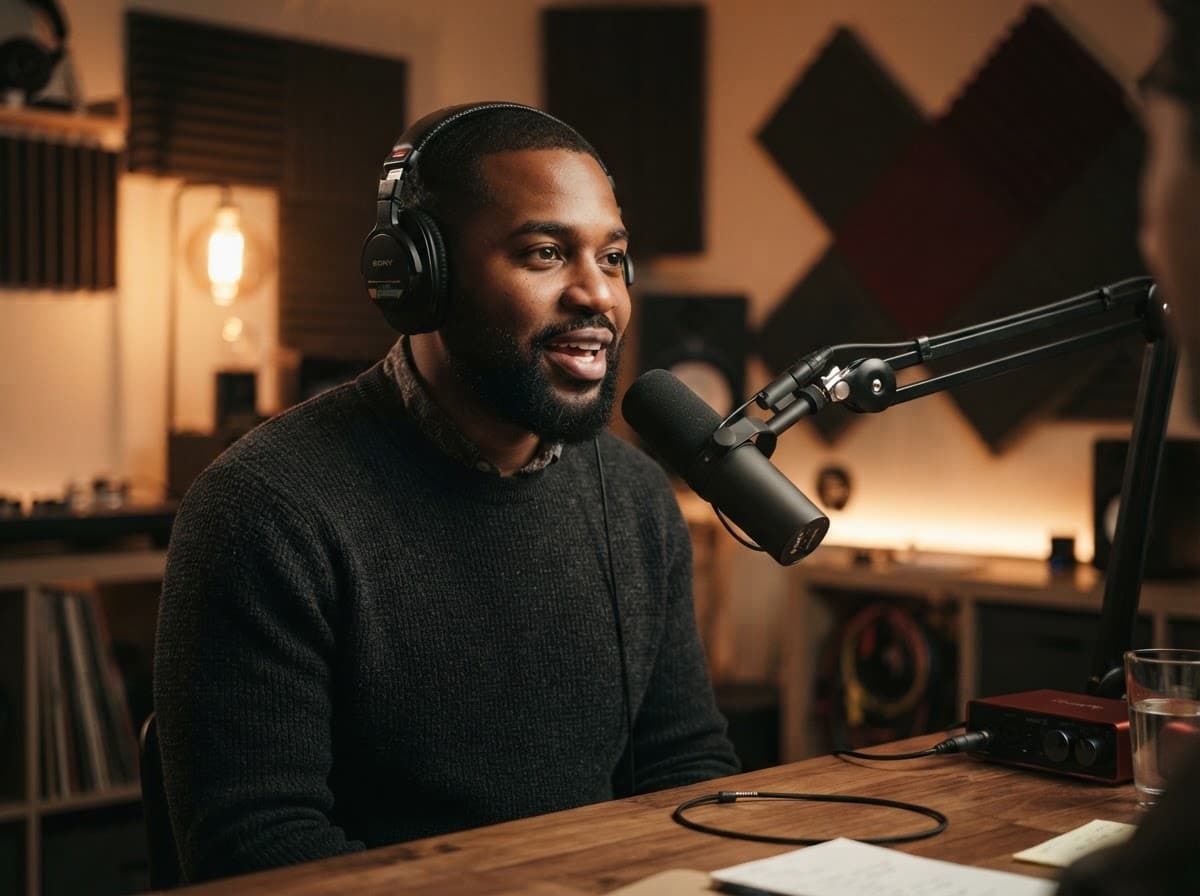
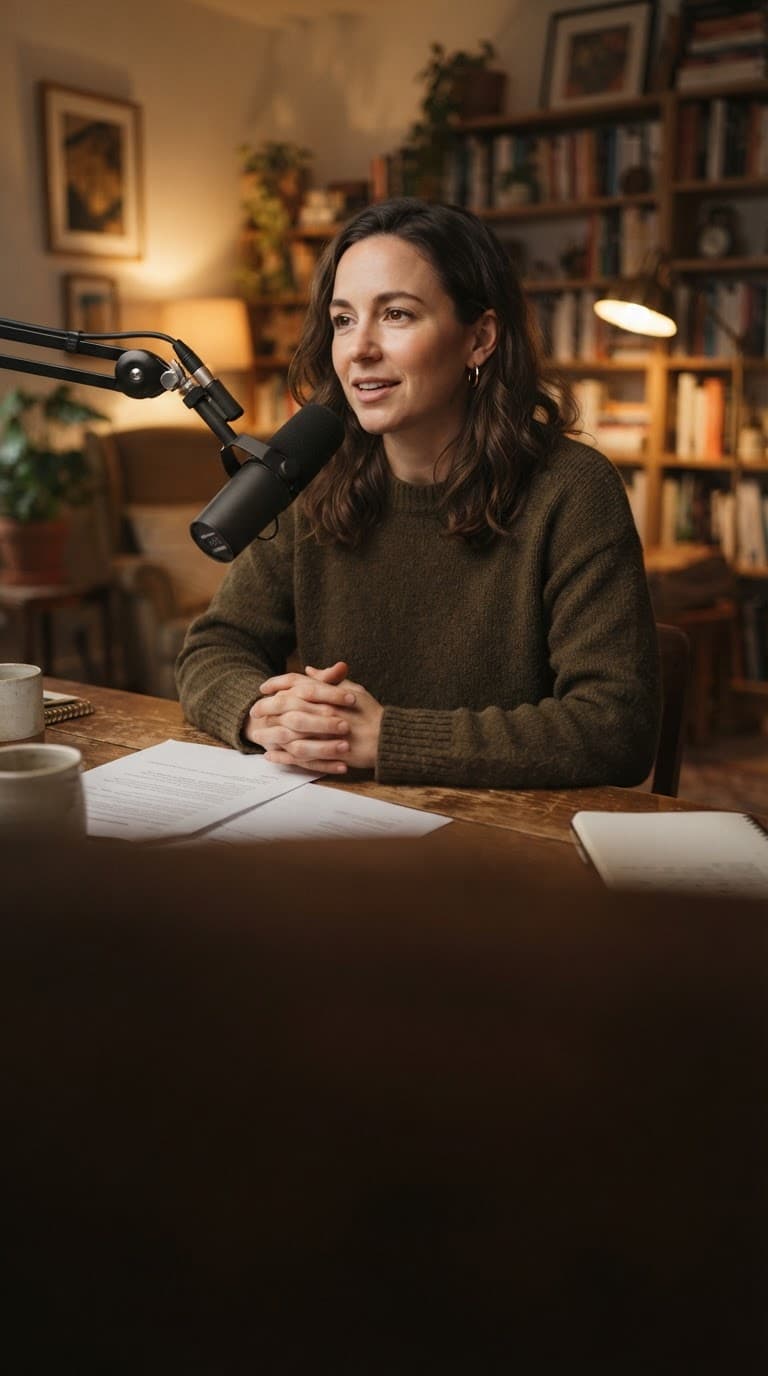
Clip every episode into 8–10 short-form posts. Keep the take. Lose the umms. Land the punchline exactly on the word.
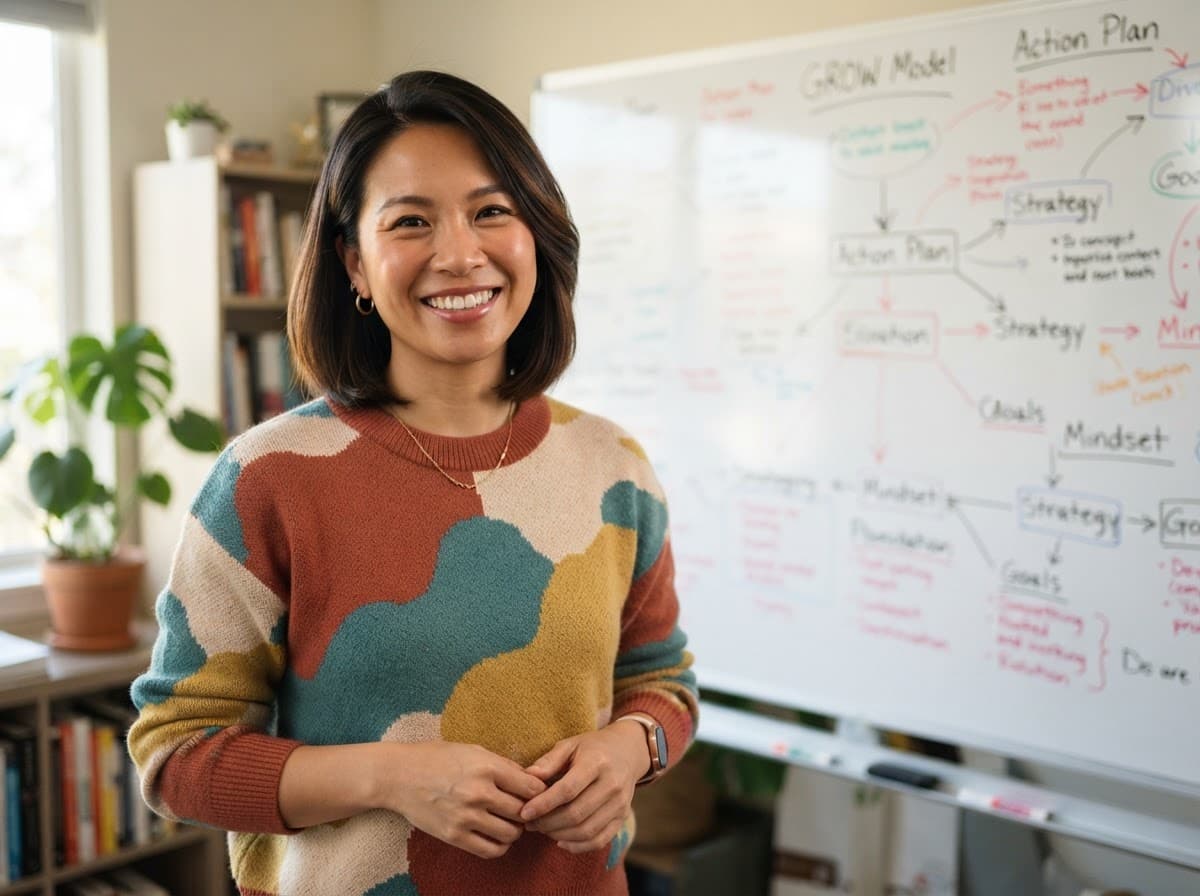
Turn a long lesson into a week of Reels. Long-form on YouTube. Chopped for the algorithm everywhere else.

Sermons, devotionals, scripture breakdowns — captioned, clipped, ready to share with the people who couldn't make it in person.
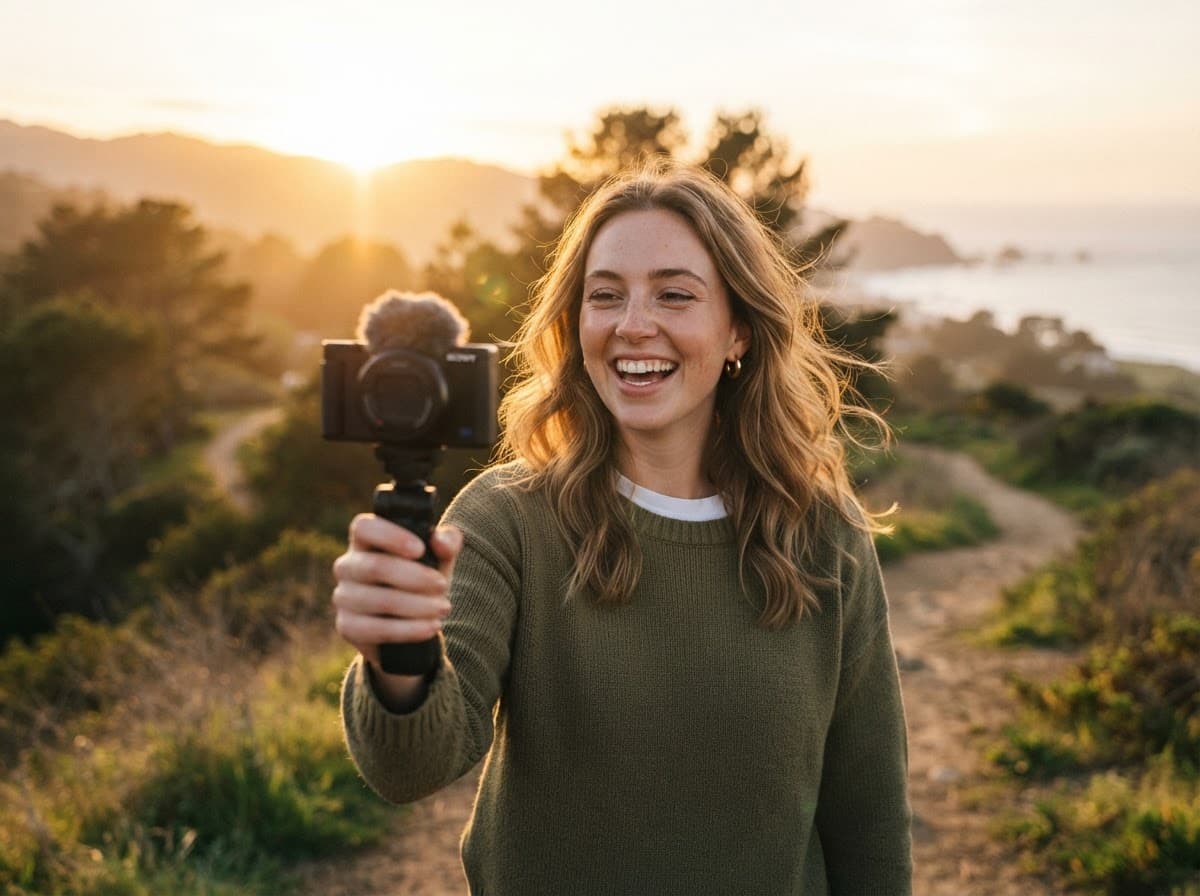
Talk to the camera for ten minutes. Get back a polished post that doesn't look like a one-person show.
Start free. Create in minutes.
No app store, no downloads. Just you, your camera, and a render button.
Free trial — 10 days
Try the full product, free. No credit card required.
- Up to 5 video renders
- Full editing power — videos up to 10 minutes
- Highest-quality AI captions
- No watermark
- All AI editing features unlocked
Your videos are saved — subscribe anytime to keep creating.
Choose your plan
Hobbyists & side hustlers
billed monthly, cancel anytime
- ✓30 video renders per month
- ✓Up to 7-minute videos
- ✓1080p HD export
- ✓AI captions (90%+ accuracy)
- ✓Auto-cuts & silence removal
- ✓No watermark
- ✓5 GB cloud storage
Serious & full-time creators
billed monthly, cancel anytime
- ✓60 video renders per month
- ✓Up to 10-minute videos
- ✓4K Ultra HD export
- ✓Highest-accuracy AI captions
- ✓Advanced AI editing: smart B-roll & auto-highlight reels
- ✓Priority processing
- ✓1 brand preset
- ✓25 GB cloud storage
Power creators & multi-channel
billed monthly, cancel anytime
- ✓120 video renders per month
- ✓Up to 10-minute videos
- ✓4K Ultra HD export
- ✓Highest-accuracy AI captions
- ✓Advanced + premium AI editing tools
- ✓Top-priority processing
- ✓Multiple brand presets for multiple channels
- ✓50 GB cloud storage
| Compare plans | Bloom | Bloom Pro | Bloom Studio |
|---|---|---|---|
| Monthly | $19/mo | $39/mo | $59/mo |
| Annual | $190/yr ($15.83/mo) | $390/yr ($32.50/mo) | $590/yr ($49.17/mo) |
| Best for | Hobbyists & side hustlers | Serious & full-time creators | Power & multi-channel creators |
| Videos / month | 30 | 60 | 120 |
| Max video length | 7 min | 10 min | 10 min |
| Export quality | 1080p HD | 4K Ultra HD | 4K Ultra HD |
| AI captions | 90%+ accuracy | Highest accuracy | Highest accuracy |
| AI editing | Auto-cuts & silence removal | Advanced (B-roll, highlights) | Advanced + premium tools |
| Watermark | None | None | None |
| Processing speed | Standard | Priority | Top priority |
| Brand presets | — | 1 | Multiple |
| Cloud storage | 5 GB | 25 GB | 50 GB |
| Extra videos | +$0.85/ea | +$0.75/ea | +$0.65/ea |
Common questions.
Your next video is 10 minutes of talking away.
No editing skills. Renders in your browser.
No credit card · Works on phone and laptop · Cancel anytime
Creators who don't edit, editing anyway.
I batched four podcast episodes in a Sunday afternoon and posted twelve clips by Monday morning. I've never done that in my life. I haven't opened Premiere in three weeks.
The b-roll actually matches what I'm saying. That's the part I never expected — I was ready for bad b-roll and was ready to swap it all out. I swapped maybe one in ten.
I film a 10-minute devotional, and by lunch I have six clips ready to drop across the week. My engagement went up the moment I stopped half-editing on my phone.